
Right now, while you're reading this, Microsoft is rolling out the new SharePoint experience across every Microsoft 365 tenant.
This isn't a cosmetic update. It's a structural overhaul of how your teams find information, publish content, and build solutions.
Here's what you need to know, and what to do this week.
What's happening right now
Available in preview since March 3, 2026, the new SharePoint experience has been in general rollout since this July.
Every Microsoft 365 organization is affected. Your users will see it appear automatically, whether you planned for it or not.
What's fundamentally changing: 3 new hubs
Microsoft has restructured the entire interface around three user intentions that replace the historic app bar.
- Discover (Find): Replaces the SharePoint start page. A personalized surface that brings up relevant sites, files, and news based on your activity, no more digging through folders.
- Publish (Communicate): A centralized hub for creating and distributing pages, news, and organization-wide communications. 31 new page templates to speed up content creation.
- Build (Create): All creation and admin tools grouped together: sites, lists, libraries, agents, with proactive recommendations to keep your sites healthy.
What's breaking in your organization right now
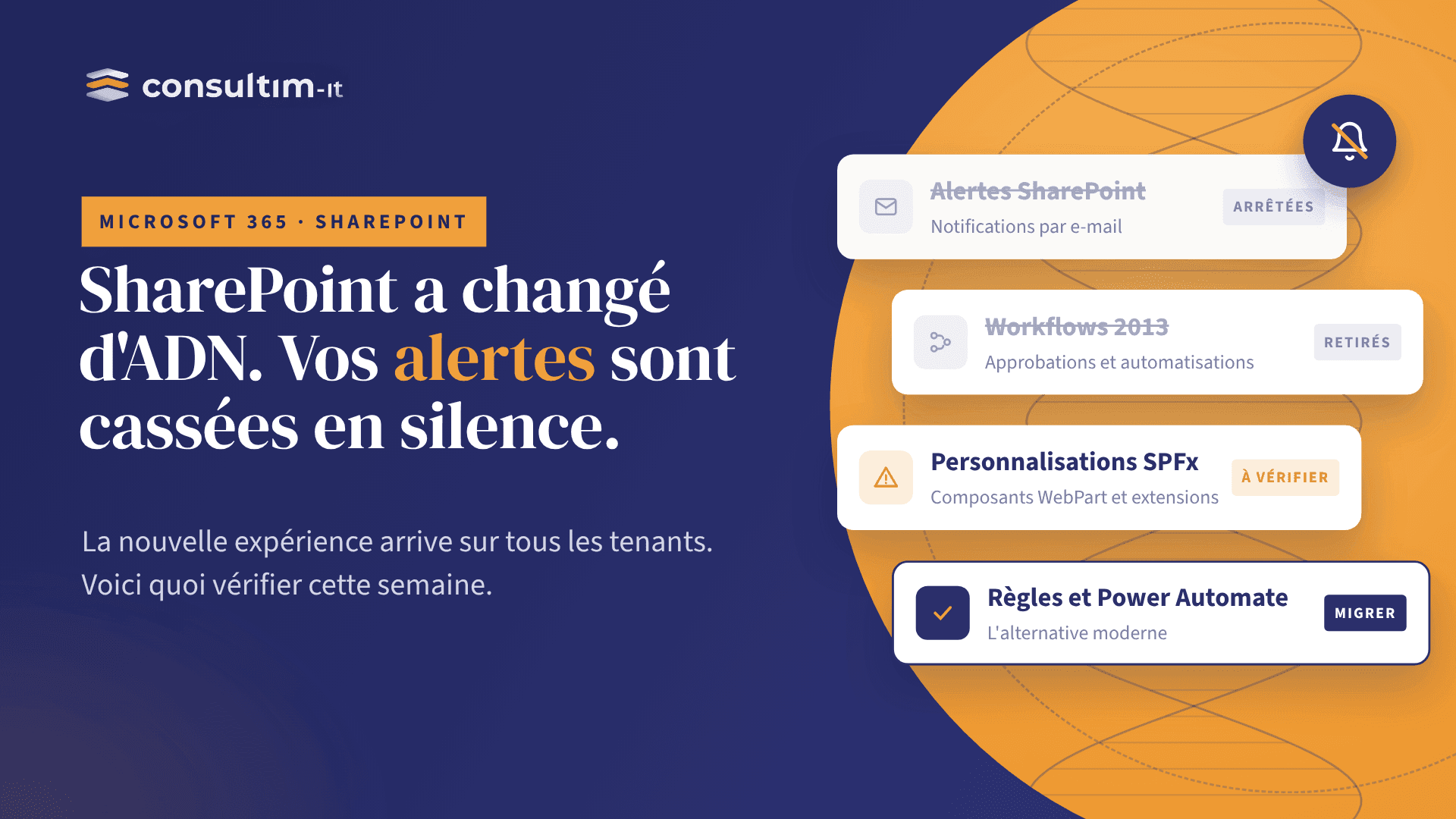
1. SharePoint Alerts died this month
Creating new alerts has been blocked since January 2026. Existing alerts stop working in July 2026.
If your teams still rely on SharePoint alerts for business processes (document change notifications, approval routing, list tracking), some workflows are silently broken right now. Migration to Power Automate or SharePoint Rules is mandatory.
2. SharePoint 2013 workflows have expired
If your organization still uses SharePoint 2013 workflows for approvals or validation circuits, they no longer run. Migration to Power Automate is required.
3. Your CSS and SPFx customizations may be broken
The new app bar structure can break visual alignment in custom intranets. Microsoft recommends testing all SPFx solutions in the preview environment before rollout completes.
The upside, while we're at it
Microsoft 365 Archive: individual file archiving now available in July 2026
You can now move individual files to a lower-cost storage tier without archiving the entire site. Useful for high document volumes in regulated sectors or organizations with strict retention policies.
This week's checklist for your organization
- Check whether the new experience is already active in your tenant: SharePoint Admin Center → Settings → New SharePoint experience. If it's not active yet, you have a few days to prepare your communication before it activates automatically.
- Set up your Home site and global navigation: This is the highest-impact action. It determines what your users see first in the new app bar. Estimated time: less than a day of configuration.
- Audit your active SharePoint alerts: Any alert not migrated to Power Automate has been silently non-functional since this month. Ask your business teams what processes depend on automatic notifications.
- Test your SPFx solutions and CSS customizations: Do this in preview before rollout completes to avoid visual surprises in production.
- Plan your internal communication: A "what moved, where to find it now" guide significantly reduces the helpdesk ticket spike. Even a simple email with 3 screenshots makes a difference.
The question to ask your IT team today
How many business processes in your organization still rely on SharePoint alerts or SharePoint 2013 workflows that just stopped working, without anyone noticing yet?
If you can't answer in under 5 minutes, you have a blind spot to address this week.
How Consultim-IT can help
Our Modern Work squad, operating from the Tunis Delivery Center, steps in within days to:
- Audit active SharePoint 2013 alerts and workflows in your tenant
- Configure your Home site and global navigation for the new app bar
- Test your SPFx solutions in the preview environment
- Prepare your internal communication plan and user guide for the transition
Are you a CIO, digital lead, or Microsoft 365 architect? Get in touch and we'll handle it personally.
"Microsoft isn't just updating SharePoint. It's redefining the work interface for millions of employees. Organizations that anticipate this rollout gain in adoption and trust. Those who discover it through their users end up managing a support crisis."
Consultim-IT · Field analysis, July 2026
Question of the week: In your organization, who's been informed about this SharePoint rollout, and who will handle user questions when the new interface shows up on their screen?
If the answer isn't clear, that's your top priority.