
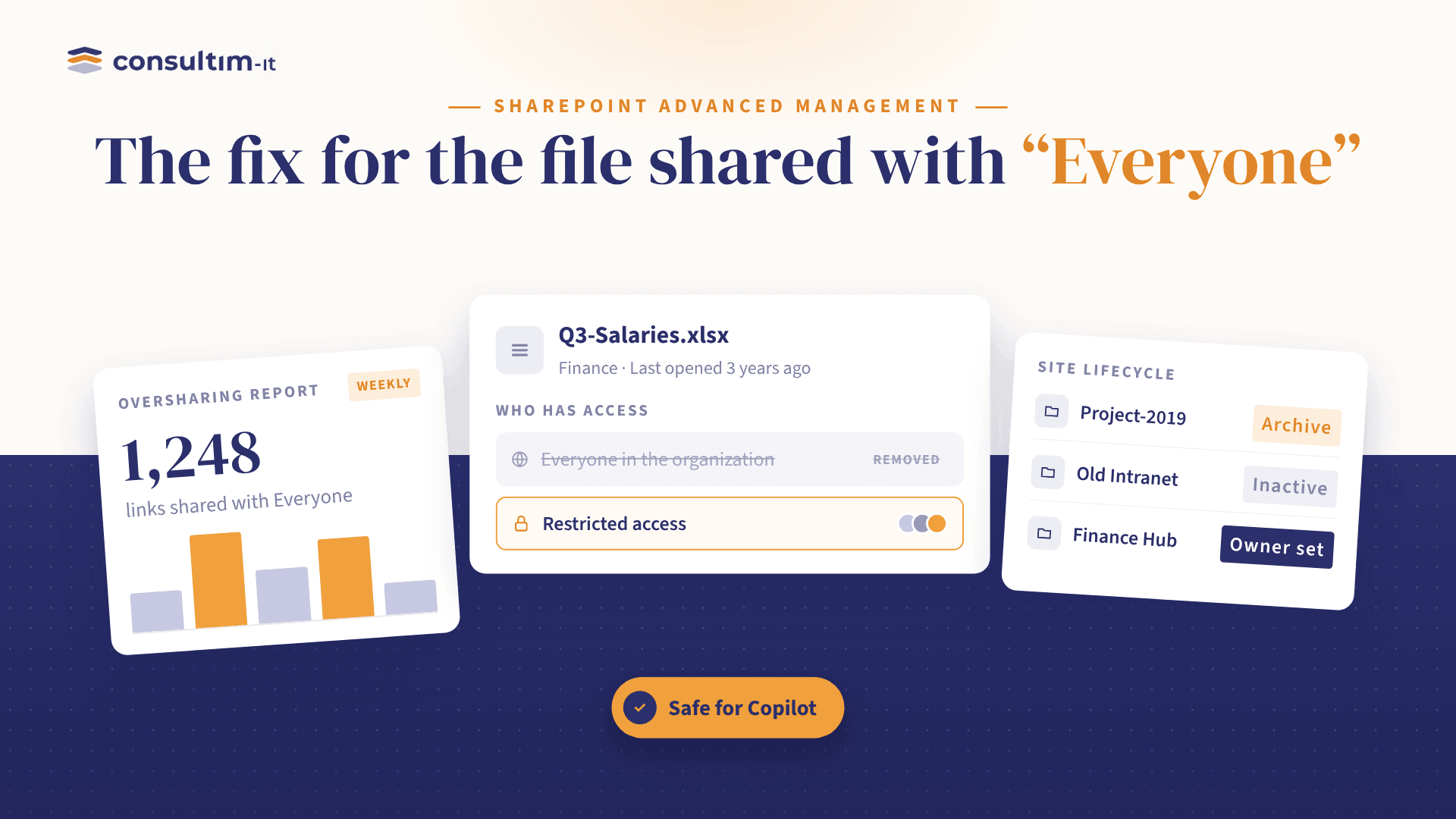
Somewhere in your SharePoint, that file exists. And nobody remembers why it's shared that way.
That single sentence is the nightmare of every IT admin running Microsoft 365. Sites pile up. Ownership gets fuzzy. Sharing links multiply. And now, with Copilot and AI agents reading through everything they can reach, an old forgotten permission isn't just clutter anymore, it's a direct path for sensitive data to surface where it never should.
This is precisely the gap Microsoft built SharePoint Advanced Management (SAM) to close. Let's break down what it really offers.
1. Manage content sprawl
Every organization ends up with sites nobody owns anymore. SAM lets admins:
- Set up a site ownership policy, define who's accountable for each site, enforce minimum owner counts, and get automatic alerts when a site falls out of compliance.
- Detect inactive sites and notify their owners before they turn into digital dead weight.
- Request site attestations, regular check-ins where owners confirm a site's purpose, members, and sharing settings are still accurate.
The result: a cleaner environment, better storage usage, and more relevant answers when Copilot and AI agents pull from your content.
2. Manage the content lifecycle
Governance means nothing without traceability. SAM gives admins:
- Catalog management: group sites logically by region, department, information barrier, or custom property.
- Change history reports: see everything that changed on a site or its settings over the last 180 days.
- A recent actions panel: track admin changes (renames, deletions, quota updates) from the last 30 days.
- Restricted site creation by apps: control exactly which non-Microsoft applications are allowed to spin up new SharePoint sites.
This is what turns "we think nothing changed" into "we can prove nothing changed."
3. Prevent oversharing: the heart of SAM
This is where most of the real risk gets caught:
- Content management assessment: a full hub of insights and recommendations to improve how content is managed.
- Block download policies: stop files from being downloaded or moved out of sensitive SharePoint, OneDrive, or even Teams meeting recordings.
- App insights: see which non-Microsoft apps are registered in Entra ID and how they're touching your SharePoint content.
- AI insights: a one-click button on reports that surfaces patterns and recommended actions automatically.
- Restricted access control (RAC): lock down a site to a specific group only.
- Restricted content discovery (RCD): keep high-risk sites and files from ever surfacing in Copilot or agentic responses.
- Data Access Governance (DAG) reports: the real goldmine, including permission state reports for sites, OneDrive, and files; site permissions for a given user; the sensitivity label snapshot report; sharing links activity (last 28 days); "Everyone except external users" exposure insights; all exportable via PowerShell.
- Site access reviews: delegate the review of risky sites straight to their owners.
4. Manage permissions and access
Least-privilege access, enforced at scale:
- Conditional Access policies: connect Entra Conditional Access directly to a SharePoint site via authentication contexts.
- Site policy comparison reports: benchmark one or more sites against up to 10,000 others, powered by AI.
- Agent access insights: see exactly how AI agents are interacting with your SharePoint and OneDrive content.
- Insights on agents in SharePoint: spot recently created agents and identify which sites have the most agent activity.
- Restrict access to OneDrive with security groups: at the individual or group level.
- Restrict who can create SharePoint or OneDrive sites: enforced through security groups via PowerShell.
Why it matters right now
SAM isn't a side feature buried in the admin center; it's positioned as the foundation for a secure Microsoft 365 Copilot and agentic rollout. You can have the best AI strategy in the world, but if your content governance is loose, you're just giving that AI faster access to your worst-kept secrets.
For any organization scaling on Microsoft 365, this is no longer optional hygiene, it's the groundwork that makes AI adoption safe.
Where does your organization stand today: content sprawl, weak lifecycle tracking, oversharing, or loose permissions? Genuinely curious what's the biggest pain point for your team.
How Consultim-IT can help
Rolling out SharePoint Advanced Management isn't just flipping a switch, it takes the right assessment, configuration, and follow-through to actually reduce risk instead of adding more dashboards to ignore. This is exactly where Consultim-IT steps in:
- Auditing your current SharePoint and OneDrive environment to map out content sprawl, ownership gaps, and oversharing hotspots.
- Configuring SAM policies and reports (site ownership, DAG reports, RAC/RCD, Conditional Access) tailored to your organization's structure.
- Setting up ongoing governance, attestations, access reviews, and change tracking; so compliance stays a continuous process, not a one-time project.
- Preparing your Microsoft 365 environment for a secure Copilot and AI agents rollout, with the right guardrails in place from day one.
If your organization is planning a Microsoft 365 governance review or preparing for Copilot adoption, Consultim-IT can guide the assessment and implementation end to end, reach out to discuss your needs.