
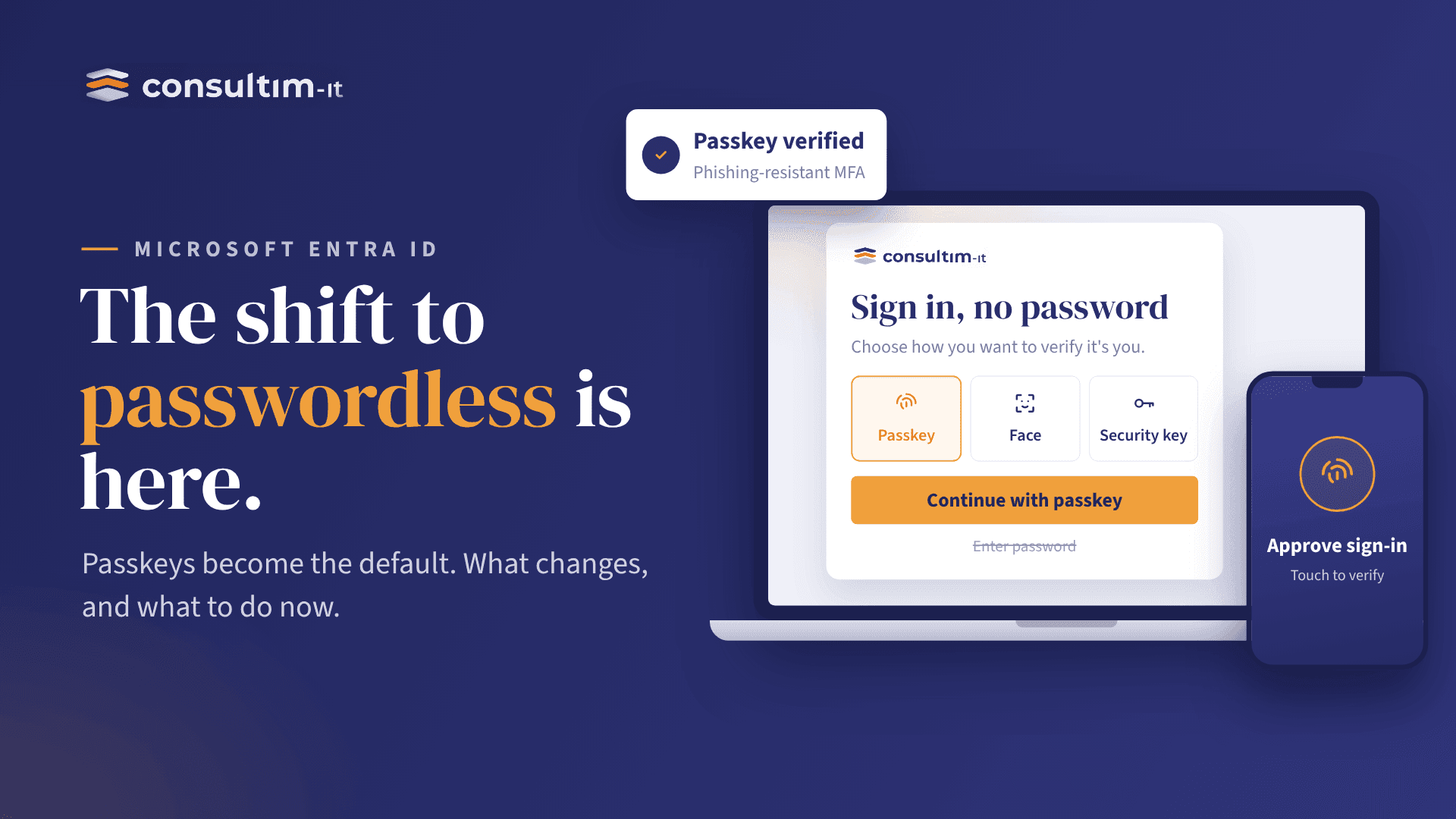
September 2026 marks an important step in Microsoft's passwordless journey.
Passwordless authentication is not new.
Microsoft has been building the foundation for years through Microsoft Entra ID, Windows Hello for Business, FIDO2, Microsoft Authenticator and Conditional Access.
But the strategy is now moving from “passwordless as an option” toward “passwordless as the preferred authentication experience.”
And Microsoft has introduced concrete milestones in 2026.
September 1, 2026: Passkeys become the default experience for more users
This is the key change to watch.
Starting September 1, 2026, Microsoft automatically enables passkeys for users who are still enabled for SMS or voice authentication.
These users are also prompted to register a passkey when they sign in with MFA on an eligible device.
Microsoft's objective is clear:
Move users away from SMS and voice authentication and toward phishing-resistant authentication methods.
This is not simply a new authentication option being added to Microsoft Entra ID.
It changes the direction of the default user experience.
What exactly is a passkey?
A passkey is a passwordless credential based on public-key cryptography, using standards such as FIDO2/WebAuthn.
Instead of entering a password that can be stolen or phished, the user authenticates using a credential protected by their device or authenticator.
Depending on the scenario, the user may authenticate using:
- Windows Hello
- Biometrics
- Device PIN
- Security key
- Passkey stored on a supported device or credential manager
The private key remains protected by the authenticator.
The result?
There is no password for an attacker to simply capture and reuse.
Microsoft's April 2026 documentation also highlights the performance advantage of synced passkeys: Microsoft reports that they can provide a significantly faster sign-in experience than a password combined with traditional MFA.
Authentication Strengths: MFA is no longer just “MFA”
This is another important part of Microsoft's strategy.
With Microsoft Entra Conditional Access, organizations can define an Authentication Strength that specifies which authentication methods are acceptable for accessing a resource.
Microsoft provides three built-in Authentication Strengths:
- Multifactor authentication
- Passwordless MFA
- Phishing-resistant MFA
The third is the most restrictive and is particularly relevant for highly privileged roles.
This changes the question from:
“Does the user have MFA?”
to:
“Which authentication method did the user use?”
For example, an organization could require:
- Standard applications → Multifactor authentication
- Sensitive applications → Passwordless MFA
- Privileged administrator roles → Phishing-resistant MFA
This is where Conditional Access becomes much more than an MFA switch.
Conditional Access becomes the policy engine
Microsoft Entra Conditional Access can evaluate the authentication method alongside other conditions before granting access.
For example:
User → Application → Device → Location → Risk → Authentication Strength → Access decision
The organization can therefore move away from a simple:
Password + MFA = Access
model toward:
Identity + Device + Risk + Authentication Strength + Policy = Access
Microsoft's documentation specifically describes Authentication Strengths as a Conditional Access control that determines which authentication methods users can use to access a resource.
Custom Authentication Strengths are becoming more granular
Microsoft is also giving administrators more control over exactly which credentials can satisfy a policy.
In June 2026, Microsoft documented advanced options for custom Authentication Strengths.
For example, organizations can restrict Passkeys (FIDO2) based on an Authenticator Attestation GUID (AAGUID).
This means an organization can define a policy that requires a passkey from an approved security-key manufacturer or specific authenticator.
This is particularly relevant for:
- Privileged administrators
- High-value applications
- Sensitive data
- Regulated environments
- High-risk identities
Passwordless therefore does not mean:
“Allow any passwordless method.”
It can mean:
“Allow only the authentication methods that meet our security requirements.”
What should organizations do now?
Microsoft's direction gives organizations a clear roadmap.
1. Identify users still relying on SMS and voice
Understand exactly who is still using legacy authentication methods.
2. Enable and test passkeys
Start with a controlled group before expanding deployment.
3. Review Authentication Methods Policy
Determine which authentication methods should remain available and which should be phased out.
4. Review Conditional Access
Move beyond generic MFA requirements and evaluate Authentication Strengths.
5. Protect privileged identities
Microsoft recommends using Phishing-resistant MFA for highly privileged roles.
6. Review registration and recovery
Passwordless deployment is not only about sign-in.
Organizations also need to secure the processes used to register, replace and recover authentication methods.
7. Test before enforcement
Use controlled deployments and appropriate Conditional Access testing before applying policies broadly.
The Microsoft identity roadmap
The evolution can be summarized in three stages:
- Yesterday: Password → MFA
- Today: Password / Passwordless → Conditional Access → Authentication Strength → Risk-based access
- Tomorrow: Passkeys / Windows Hello / FIDO2 → Phishing-resistant authentication → Conditional Access → Identity + Device + Risk → Zero Trust access
The important point is that Microsoft is not simply replacing passwords with passkeys.
It is changing how identity is evaluated before access is granted.
The takeaway for IT leaders
The question is no longer:
“Should we implement passwordless authentication?”
The more relevant question is:
“Which users, applications and privileged identities should move to phishing-resistant authentication first — and how do we enforce it through Microsoft Entra Conditional Access?”
With September 1, 2026 already marking a significant passkey transition and February 1, 2027 approaching for the retirement of Microsoft-provided SMS and voice delivery, organizations still relying heavily on traditional authentication methods should start planning their migration now.
Passwordless is no longer just a future vision in the Microsoft ecosystem.
It is becoming the default direction of Microsoft Entra ID.
Is your organization ready for the passwordless transition?
The move to passwordless authentication requires more than enabling passkeys.
It starts with understanding your current identity environment, identifying legacy authentication methods, reviewing Microsoft Entra Conditional Access policies, and defining the right Authentication Strengths for your users and privileged identities.
Consultim-IT can help you assess your Microsoft identity environment and prepare a secure roadmap toward passwordless and phishing-resistant authentication.