
A security change is coming. But this is not just another Microsoft migration project.
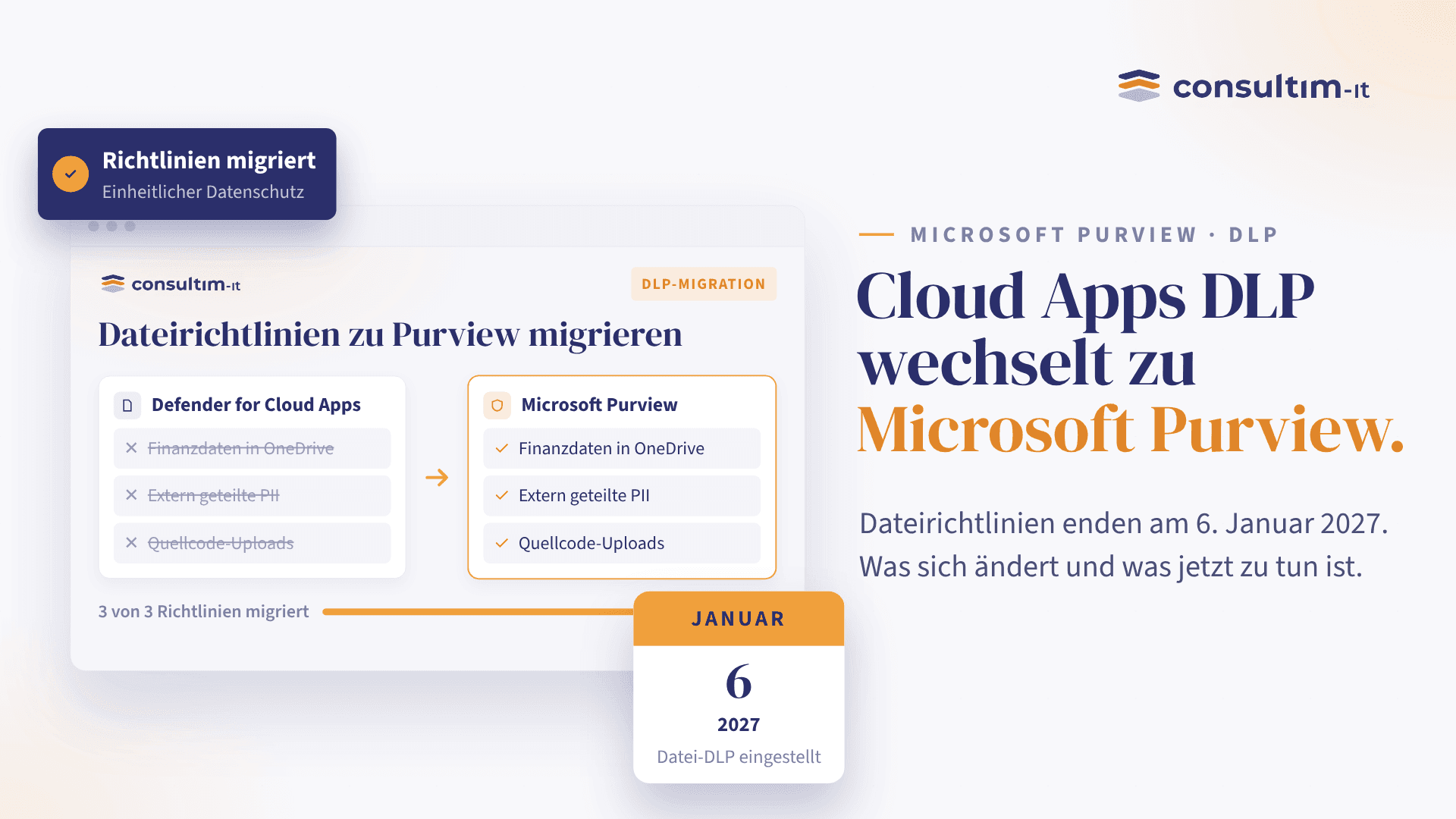
Microsoft is retiring file-based DLP policies in Defender for Cloud Apps on January 6, 2027, with Microsoft Purview becoming the central place for data protection and compliance.
For organizations using these policies today, the question is not simply “How do we move our policies?”
The more important question is:
“How do we use this transition to improve the way we protect, govern and manage our data?”
The change in simple terms
Defender for Cloud Apps has traditionally helped organizations discover cloud applications, monitor activity and protect sensitive information across SaaS environments.
Microsoft is now moving file-based data protection and DLP capabilities into Microsoft Purview.
Think of it less as a complete replacement of Defender for Cloud Apps and more as a change in where data protection belongs.
Defender for Cloud Apps will continue to focus on areas such as SaaS security, application discovery, posture management and threat protection, while Purview becomes the more centralized home for data security and compliance.
The deadline: January 6, 2027.
That gives organizations time to prepare, but not necessarily time to leave it until the last minute.
Why business leaders should care
At first glance, this looks like a technical product change.
It isn't.
Your DLP policies represent business decisions about information:
- What data is considered sensitive?
- Who should have access to it?
- Which information can leave the organization?
- What should happen when a policy is triggered?
- Who is accountable for reviewing exceptions?
- Are today's policies still aligned with today's business?
A migration is therefore an opportunity to revisit those decisions.
Instead of simply recreating dozens of existing rules in a new platform, organizations can take a step back and ask:
- Do we still need all of these policies?
- Are they protecting the data that actually matters?
- Are employees receiving too many alerts and restrictions?
- Do security, compliance and business teams agree on what “sensitive data” means?
That conversation can create significantly more value than a simple technical migration.
What should you do now?
1. Know what you have
Start by identifying every active DLP file policy in Defender for Cloud Apps.
For each policy, understand:
- What does it protect?
- Why does it exist?
- Who owns it?
- What happens when it triggers?
- Is it still relevant?
Don't underestimate this step.
Many organizations discover that their security policies have grown organically over time, with duplicate rules, outdated exceptions and policies nobody remembers creating.
2. Separate “must keep” from “needs improvement”
Not every existing policy needs to be copied exactly as it is.
A useful exercise is to classify policies into three groups:
- Keep: the business requirement is still valid.
- Improve: the requirement is valid, but the policy needs to be redesigned.
- Retire: the policy no longer provides meaningful value.
This turns migration from a copy-and-paste exercise into a policy rationalization exercise.
3. Map the important policies to Purview
Microsoft's guidance is to recreate Defender for Cloud Apps file policies as Microsoft Purview DLP or auto-labeling policies before the retirement date.
This is where technical and business teams should work together.
Security teams understand how the current controls work.
Business and compliance teams understand why those controls exist.
Bringing both perspectives together helps avoid a common migration mistake:
successfully migrating a policy that nobody actually needs anymore.
The bigger opportunity: move from “protecting files” to “protecting information”
This transition also reflects a broader direction in Microsoft security.
Data protection is becoming less about managing isolated policies in individual tools and more about having a consistent approach to data classification, sensitivity, access and protection.
Microsoft Purview can bring these concepts together through capabilities such as data classification, sensitivity labels and DLP.
For organizations, that can mean a simpler question:
Wherever our sensitive information goes, do we have a consistent way of identifying and protecting it?
That's a much more valuable question than:
“Did we migrate all our old DLP rules?”
One thing not to panic about
If you are currently using Defender for Cloud Apps, this announcement does not mean that Defender for Cloud Apps itself is disappearing.
Microsoft states that non-DLP capabilities such as SaaS security posture, app governance and threat protection are not affected by this particular retirement.
So the message is not:
“Defender is going away.”
It's:
“The data protection function is moving to a different part of the Microsoft security ecosystem.”
That distinction matters when communicating the change internally.
The business takeaway
A product retirement can be disruptive.
It can also be useful.
If handled as a pure technical migration, your organization may simply end up with the same complexity in a different portal.
If handled as a business and security exercise, you have an opportunity to:
- reduce unnecessary policies;
- clarify ownership of sensitive data;
- improve alignment between security, compliance and business teams;
- reduce policy sprawl;
- strengthen your data protection strategy;
- and make better use of the Microsoft security capabilities you already own.
The deadline is January 6, 2027.
But the real deadline should be earlier:
the moment you decide to stop treating data protection as a collection of technical rules and start treating it as a business capability.
Your next step
Don't wait for the migration deadline. Start with your current DLP policies.
Identify your top 10 policies, understand what business risk each one addresses, and determine whether it should be kept, improved or retired.
Then map those priorities to Microsoft Purview.
If you'd like support turning this Microsoft change into a structured migration and data-protection roadmap, let's start the conversation.